
On 30 October 2026, AU Small Finance Bank said it was investigating a potential data leak. The detail that matters for every business is in the second sentence of its statement: the leak involved "a software-as-a-service (SaaS) platform managed and hosted by Salesforce, which holds limited data relating to our vehicle loan customers". The bank's own systems, it said, "remain unaffected".
That is how a lot of customer data now leaves a business. Not through the core system everyone protects, but through a cloud tool that holds a copy of the same data.
A D2C brand has far more of these than a bank. The CRM, the helpdesk, the WhatsApp tool, the email platform, the reviews app, the loyalty app. Each holds customer names, phone numbers and addresses. Most were connected by someone who has since moved on.
What do we actually know?
The facts as reported so far:
- 29 October: a group calling itself ScarlettGroup listed the bank on its leak site and claimed to hold KYC records, PAN and Aadhaar details, credit reports, loan documents, CRM data and audit logs. None of this has been verified.
- 30 October: the bank said it was investigating a potential leak on the Salesforce-hosted platform, which it uses for vehicle-loan onboarding, and that banking services were running normally.
- 31 October: Salesforce said, "Based on currently available information, we have not identified a vulnerability in the Salesforce platform related to this issue."
- 2 November: replying to the stock exchanges, the bank said, as reported, that the leak "may have resulted in data leakage of some" borrowers, and that the matter had been reported to RBI and CERT-In, with a forensic investigation under way.
What is not known: how the data was reached, whether it was taken, and which fields. I will not guess. What I can say is that both statements point the same way. The platform itself was not reported as broken, and the bank's core systems were not touched. That leaves the layer in between: accounts, permissions and the apps connected to them.
The pattern from 2025
This is not the first time Salesforce customers have lost data without a Salesforce flaw. Google's threat intelligence team documented two campaigns in 2025, and both are worth knowing because the method works on any SaaS tool.
Voice phishing. A group Google tracks as UNC6040 called company staff pretending to be IT support. They talked employees into approving a "connected app" in Salesforce, which was really a modified data export tool under the attacker's control. Once approved, it pulled the data. Extortion demands sometimes came months later. Google's conclusion: the attackers "relied on manipulating end users, not exploiting any vulnerability inherent to Salesforce."
Stolen app tokens. In August 2025, a group tracked as UNC6395 used stolen OAuth tokens from Salesloft's Drift chat app to query data from many companies' Salesforce instances, then searched it for passwords and access keys. Again, Google said it did "not stem from a vulnerability within the core Salesforce platform." A similar incident involving Gainsight's apps followed in November 2025.
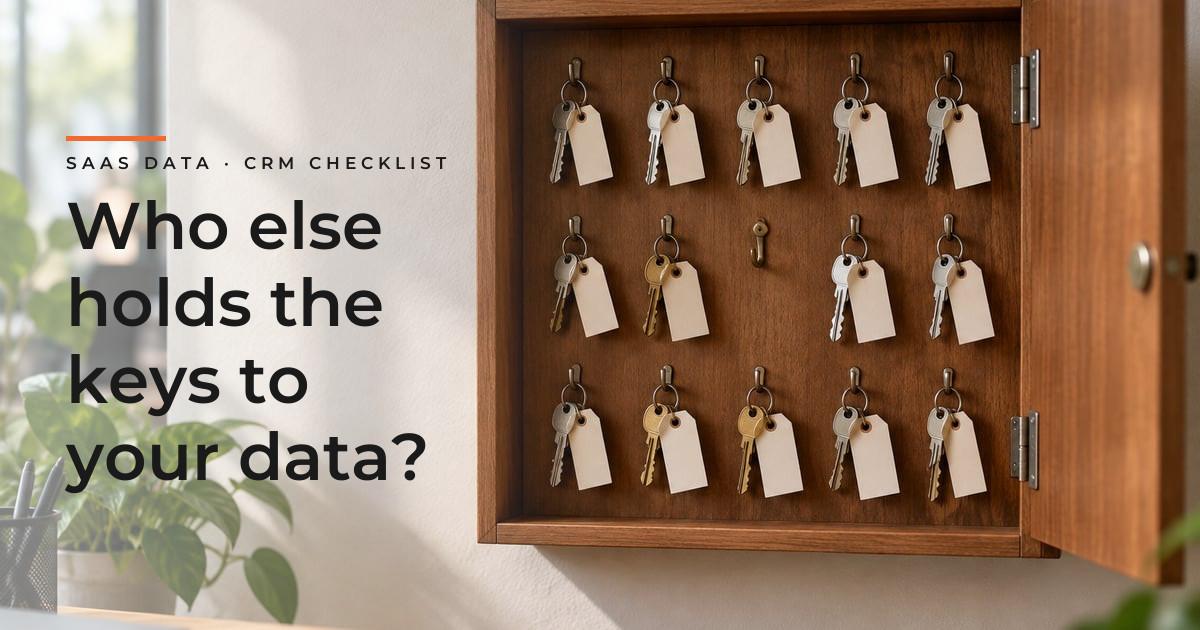
The lesson is uncomfortable but simple. An app you connect holds a key to your data that does not need a password or a one-time code. If the app is breached, or a staff member is tricked into approving a new one, the attacker reads your data as if they were that app.
Where does a D2C brand's customer data actually sit?
Make the list before reading further. For most brands it looks like this:
| Tool | What it usually holds |
|---|---|
| Store platform and its apps | Orders, addresses, phone numbers, purchase history |
| CRM or customer data platform | Full profiles, notes, segments, lifetime value |
| Helpdesk | Complaints, photos, sometimes ID or payment screenshots |
| WhatsApp and SMS tools | Phone numbers, conversation history |
| Email and marketing platforms | Emails, behaviour, consent records |
| Reviews, loyalty and returns apps | Names, orders, addresses |
| Spreadsheets and exports | Whatever someone downloaded last |
Every row is a place your customers' data can leak from, and every connection between rows is a token someone could misuse.
What to check this month
These come from Salesforce's own guidance on social engineering and Google's hardening advice after the 2025 campaigns, translated for the tools a D2C brand runs.
1. List every connected app. In your store admin, CRM and helpdesk, open the installed or connected apps page and write down each one, what it can access, and who added it. Remove anything nobody can explain or nobody uses. Old apps keep their access long after the trial ends.
2. Check the scope, not just the name. An app that only needs order status should not have read and write access to all customers. Where the platform allows narrower permissions, use them. Salesforce's advice is to avoid the broad "full" access scope; the same principle applies everywhere.
3. Decide who can approve a new app. In most small teams, any admin can connect anything. Limit app approval to one or two people, and make it a rule that no one approves a connection because someone on the phone asked them to.
4. Limit who can export. Bulk export is the single most valuable permission to an attacker. Restrict it to the people who need it, and check whether your tools can alert you to large downloads.
5. Turn on two-factor authentication for every login. For staff, agencies and freelancers. Remove accounts for anyone who has left, including the agency that built the store.
6. Rotate keys when a vendor reports a breach. If any tool you use announces an incident, revoke its access and reconnect with fresh credentials. Google's advice after the Drift incident was to treat tokens held by the affected vendor as compromised.
7. Do not store secrets in customer records. Passwords, API keys and payment details pasted into CRM notes or helpdesk tickets were exactly what the 2025 attackers searched for.
8. Know which logs you have. Find out whether each tool records logins, exports and API activity, and for how long. You cannot investigate what was never logged.
What about reporting?
The data is your responsibility even when a vendor hosts it. CERT-In's 2022 directions already require body corporates to report specified cyber incidents, including data breaches and leaks, within 6 hours of noticing them. Under the DPDP Rules, a detailed report to the Data Protection Board within 72 hours will apply when that phase comes into force in May 2027.
I covered both clocks in the DPDP checklist for online stores. The first step there, a map of where customer data goes, is the same first step here.
Where we help
At INovaBeing we build automations and agents that connect stores, CRMs and messaging tools under AI & Automation. Each connection gets only the access its task needs, its own credentials, and a log of what it did, so one compromised tool does not open everything.
If you do not know how many apps can currently read your customer data, a Technology Diagnostic maps your tools, integrations and data flows before anyone changes anything.
What I take from this
The bank's core systems held. A connected cloud platform is where the exposure was reported. That is the shape of most data incidents a small business will face: not a dramatic hack of the store, but a tool with more access than it needed, approved by someone who did not know better.
The checks are not technical. List the apps, narrow their access, decide who can approve, limit exports. A founder can start the list this afternoon.