
In the space of seven weeks, three of the largest AI companies released assistants that do not wait to be asked. Meta's Muse arrived on 8 September. OpenAI's dots followed at its developer day in late September. Anthropic announced Claude Duet on 21 October.
Each works in the background, watches your email and calendar, and acts on your behalf. Each is pitched at busy professionals, and Claude Duet explicitly at small business owners too. And each, if you connect it to the accounts a small business actually runs on, can see far more than any employee in their first month.
Claude Duet and Meta Muse are not available in India yet, and dots needs ChatGPT's Pro tier or higher. That is useful. It gives a founder time to make the decisions that matter before the sign-up screen makes them by default.
What do the three actually do?
I have not tested these assistants on a live business, so this is drawn from what their makers have published and from early reporting.
| Claude Duet | OpenAI dots | Meta Muse | |
|---|---|---|---|
| Maker | Anthropic | OpenAI | Meta |
| Announced | 21 Oct 2026 | Late Sep 2026 | 8 Sep 2026 |
| What it does | Works in its own cloud computer using your connected apps; morning brief; messages you when work is done or needs a decision | Always-on assistant in ChatGPT; flags calendar conflicts and deadlines; works with email, calendar, computer and tools | Acts for the user: emails, forms, bookings, bills and purchases, and keeps working after the app is closed |
| Connections | More than 6,000 connectors, including Gmail, Google Calendar, Slack, Notion, Microsoft 365, Stripe, Shopify, QuickBooks and HubSpot | Calendar, email, computer and other tools | Reported: email, calendar, payments and shopping apps |
| Approvals | Asks before sensitive operations like sending messages or paying | Early defaults asked for permission often; OpenAI plans to tune this | Reported: purchases with user approval |
| Availability | Research preview, waitlist, Pro and Max subscribers in the US | ChatGPT Pro tier or higher; region not stated in reporting | Adults in the US; reports say no date for India |
Two details stand out. Anthropic's own page warns that Duet "may misread a thread or miscalibrate what's urgent". And TechCrunch reported that dots uses ChatGPT's existing privacy controls, which its OpenAI lead said need to be more granular.
Neither is unusual. They are honest descriptions of a first version. They are also the reason to decide the boundaries yourself.
Why is this different from a chatbot?
A chatbot answers what you ask. These assistants are built to notice things and act. That is the value: a reminder you would have missed, a reply drafted before you open the thread, a booking made while you are in a meeting.
It is also the risk. An assistant with access to your business email can read supplier contracts, customer complaints, bank alerts, GST notices and staff matters. An assistant with access to your store or payment account can change things there. The question stops being "is the answer good?" and becomes "what is it allowed to do, with which account, and who can see what it did?"
CERT-In's recent advisory on AI agents made the same point: the incidents it described came from access that was broader than the task needed. A personal assistant is the same problem at the scale of one founder.
What to decide before you connect anything
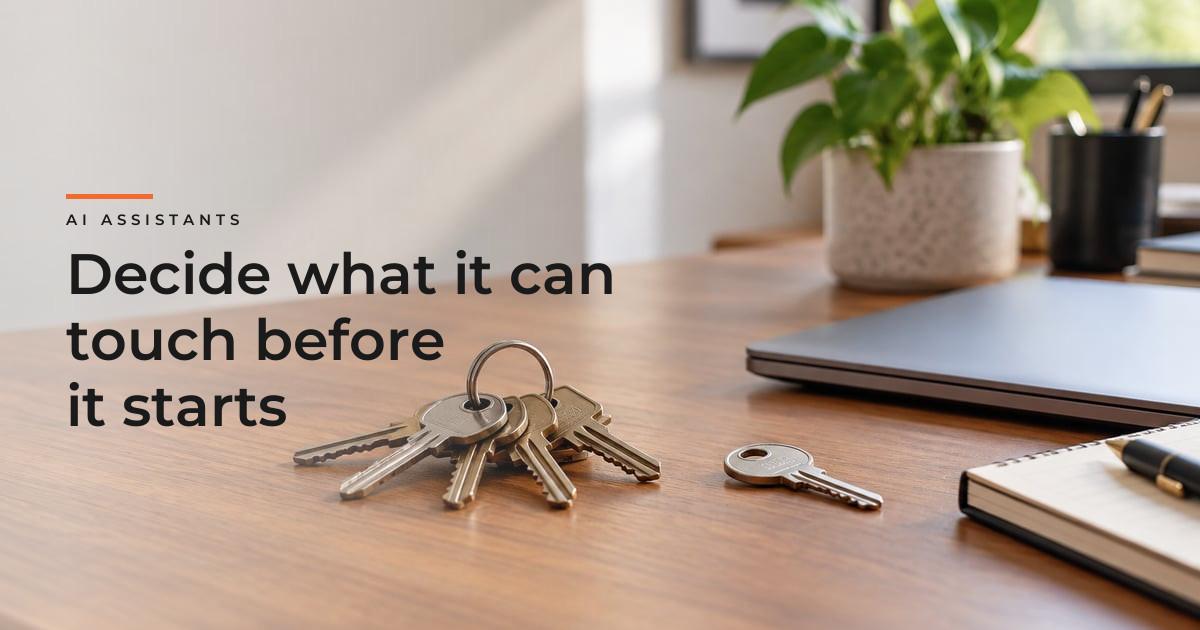
1. Which accounts, and which not. Write down what you would connect and why. A personal calendar and a personal inbox are a different decision from the shared support inbox, the finance inbox or the store admin. Start with the narrowest account that would be useful.
2. Read, draft or act. For each account, choose one: the assistant can read only, can prepare drafts for you to send, or can act on its own. Most of the value for a founder sits in read and draft. Very little needs act.
3. What always waits for you. Make a short list of actions that must never happen without your approval: paying, refunding, messaging customers or suppliers, agreeing to anything, deleting, and changing who has access. Duet's stated default is to ask before sending messages or paying. Check what each assistant actually does by default, and keep it at least that strict.
4. Separate the money. If an assistant can buy anything, give it a separate card or payment method with a low limit, not the company card. Some reports say Muse can check out with a one-time card. Whatever the tool, the principle is a spending limit you set, not one you discover.
5. Customer data is not only yours. A business inbox holds customers' names, addresses, order details and complaints. Connecting it to an assistant means a new provider processes that data. Read what the provider says about data use and model training, and switch off training where you can.
6. Know how to see and undo. Before connecting, find where the assistant shows what it has done, and how to revoke its access in one step. If you cannot find either in five minutes, do not connect the account yet.
7. One owner, not the whole team. If several people try different assistants on shared accounts, nobody knows what has access to what. Decide who in the business trials one, on which accounts, and review it after a month.
What a sensible first month looks like
| Week | What to try |
|---|---|
| 1 | Personal calendar and personal email only, read and draft. Use the morning brief |
| 2 | Add documents or notes, read only. Ask it to prepare meeting notes and follow-up drafts |
| 3 | One business workflow in draft mode, such as supplier follow-ups. You send every message |
| 4 | Review: what it caught that you missed, what it got wrong, and whether any account should be narrowed or removed |
Nothing in that plan touches payments, the store admin or customers. That can come later, once you have seen how the assistant behaves with the accounts that matter less.
Personal assistants are not business systems
A personal assistant is useful for a founder's own day: email, calendar, preparation, reminders. It is not the right place for the operations a business depends on, such as order updates, refunds, supplier payments or support queues. Those need fixed rules, shared visibility, access per role, and a log the whole team can check. That is a different kind of build.
I wrote about where AI agents fit in e-commerce operations, and the principle still holds: let the agent draft, be careful about letting it send.
Where we help
At INovaBeing we build agents and workflows into business systems under AI & Automation: each with its own narrow access, a human approval step where a decision carries risk, and a record of every action. That is the business-grade version of what these assistants do for one person.
If you are not sure what your current tools and integrations can already reach, a Technology Diagnostic maps it before anyone connects anything new.
What I take from this
These assistants will be good, and for a founder drowning in email they may be very good. The mistake to avoid is treating the sign-up flow as the security review.
The decisions are not technical. Which accounts, read or act, what always waits for you, and how you undo it. Make them on paper before you sign up, and you will get the benefit without handing over the business.